Managing Photos Associated With An Asset
In this tutorial we will show you how you can add and delete photos to/from an asset.
Written By Francisco
Last updated 9 days ago
Adding Photos To An Asset
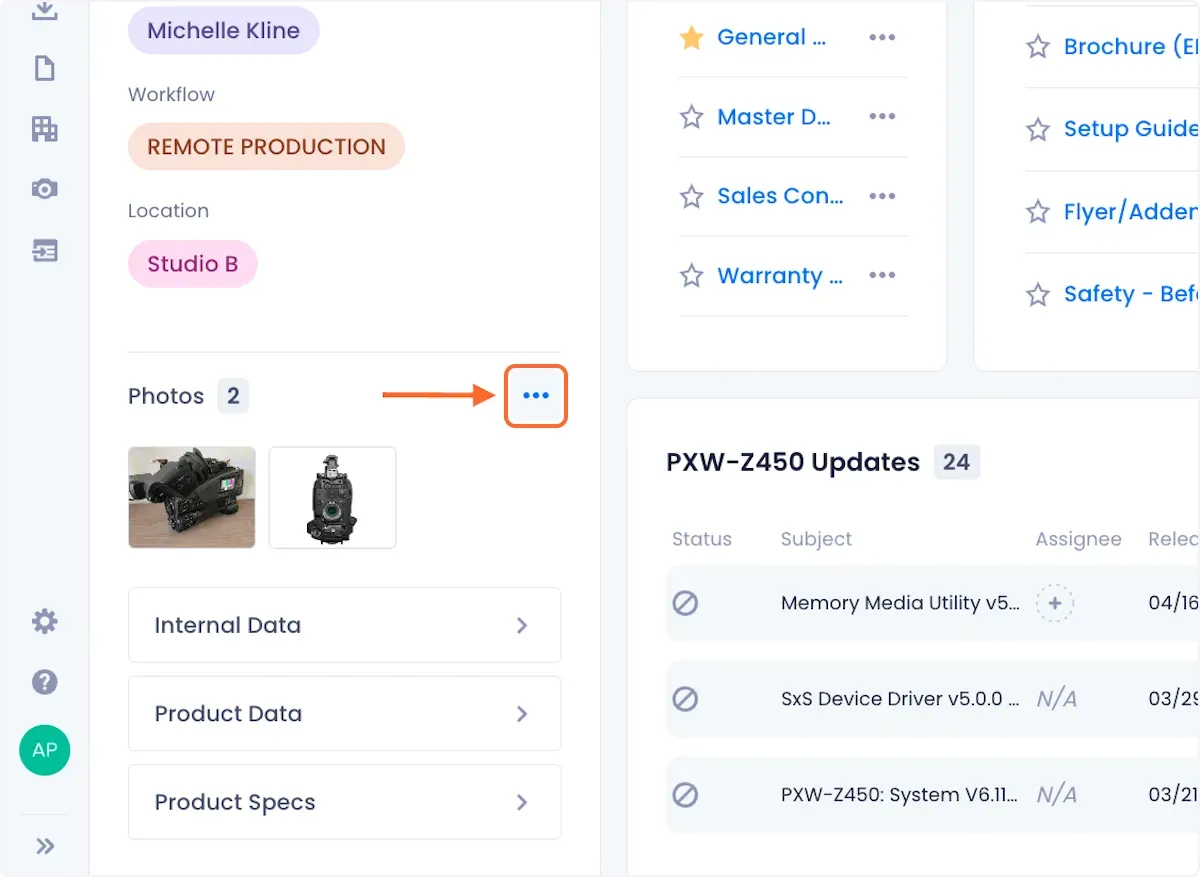
1. Open the overflow menu at the top right of the photos section of the side panel.
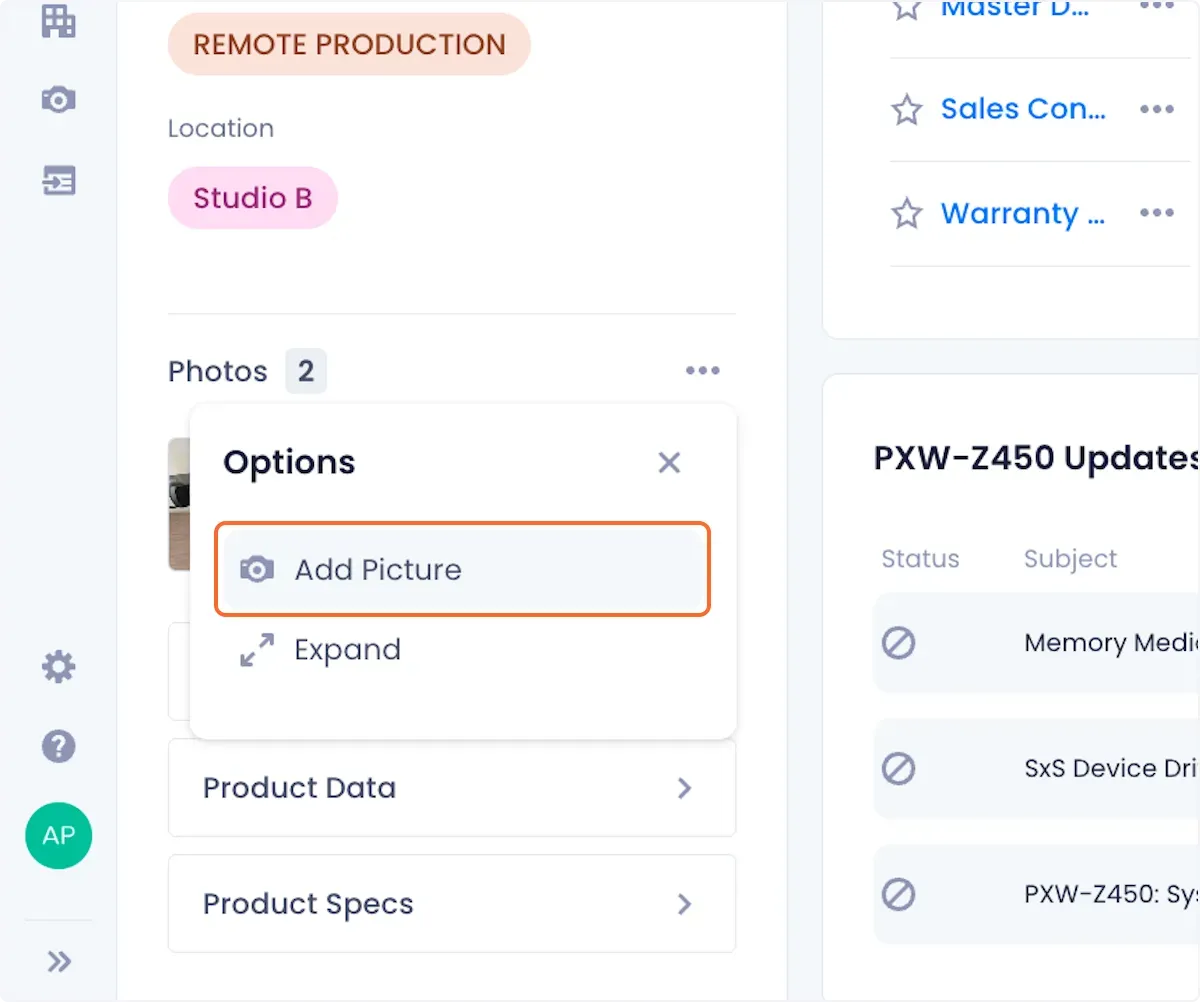
2. Click on Add Picture from the dropdown menu.
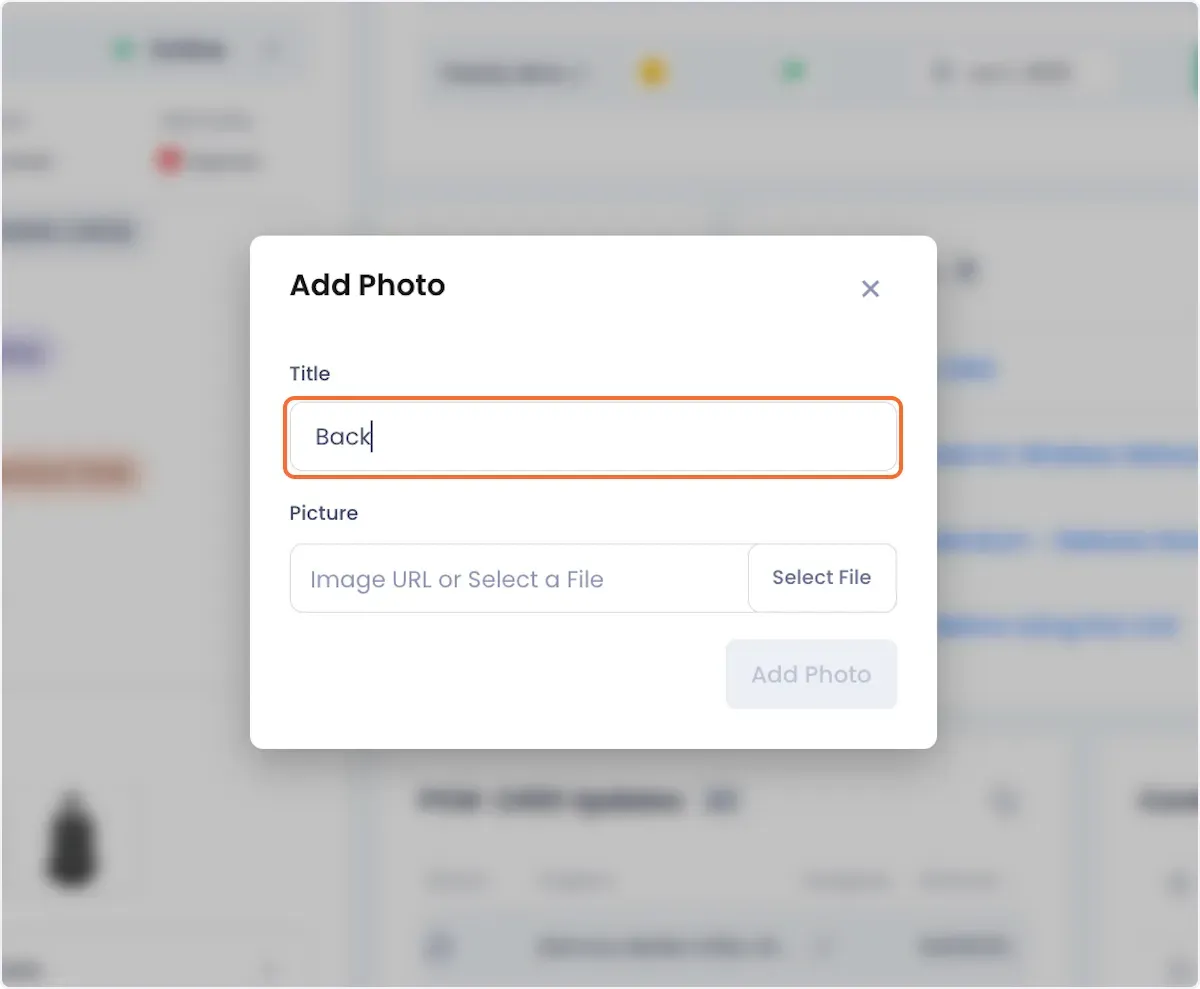
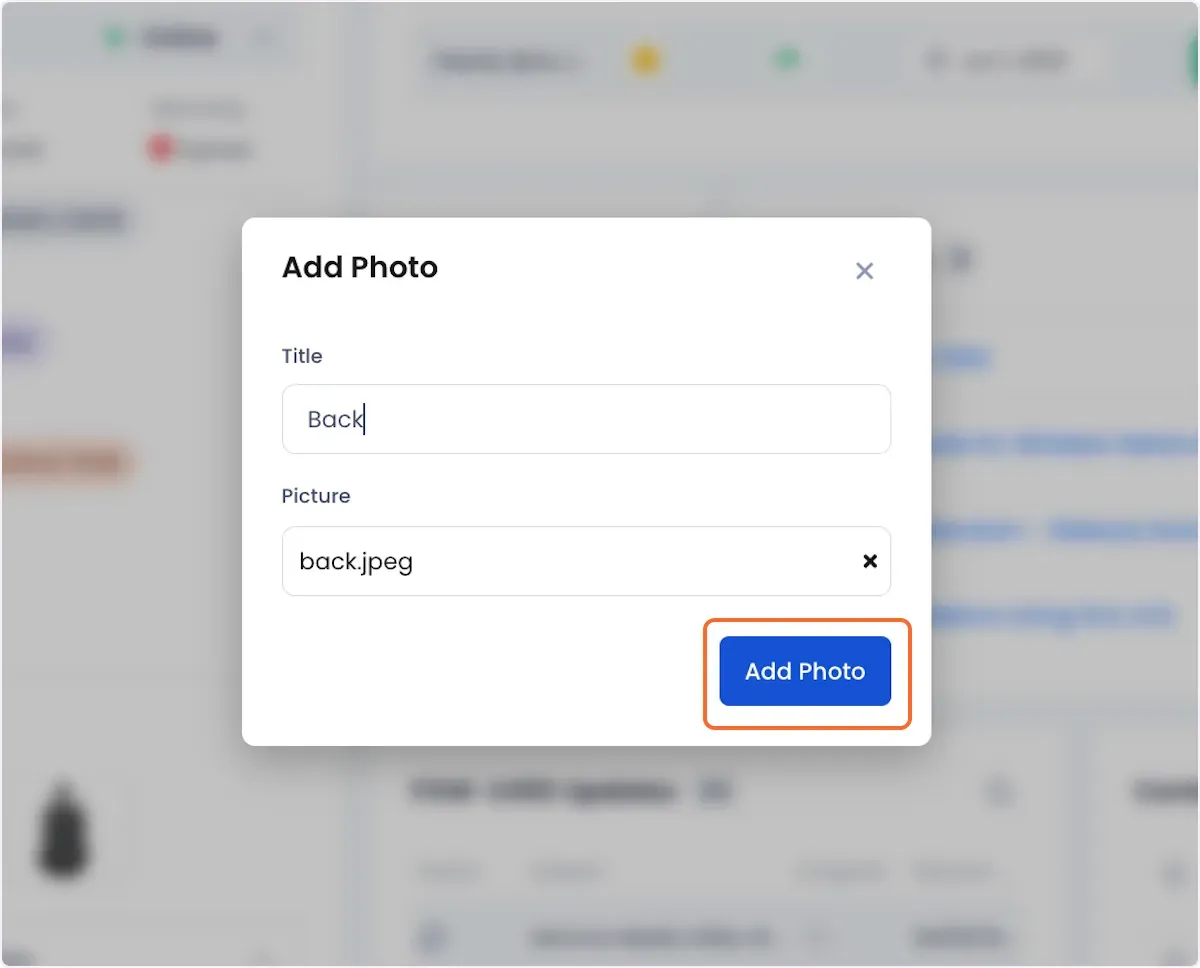
3. Give your photo a descriptive name.
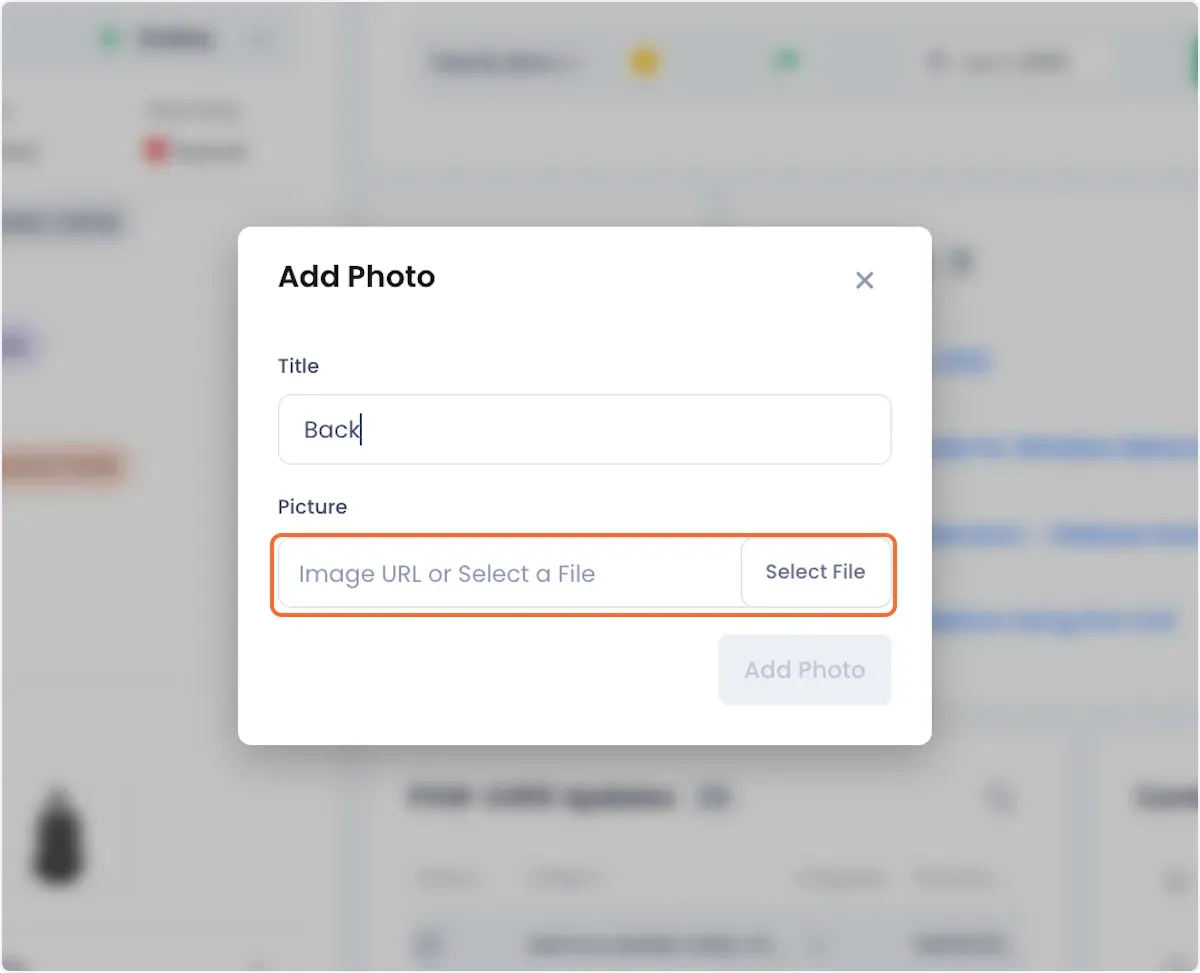
4. Either paste a URL to your image or select a file stored on your computer.
5. Click on Add Photo at the bottom right of the modal to complete the process.
Deleting Photos From An Asset
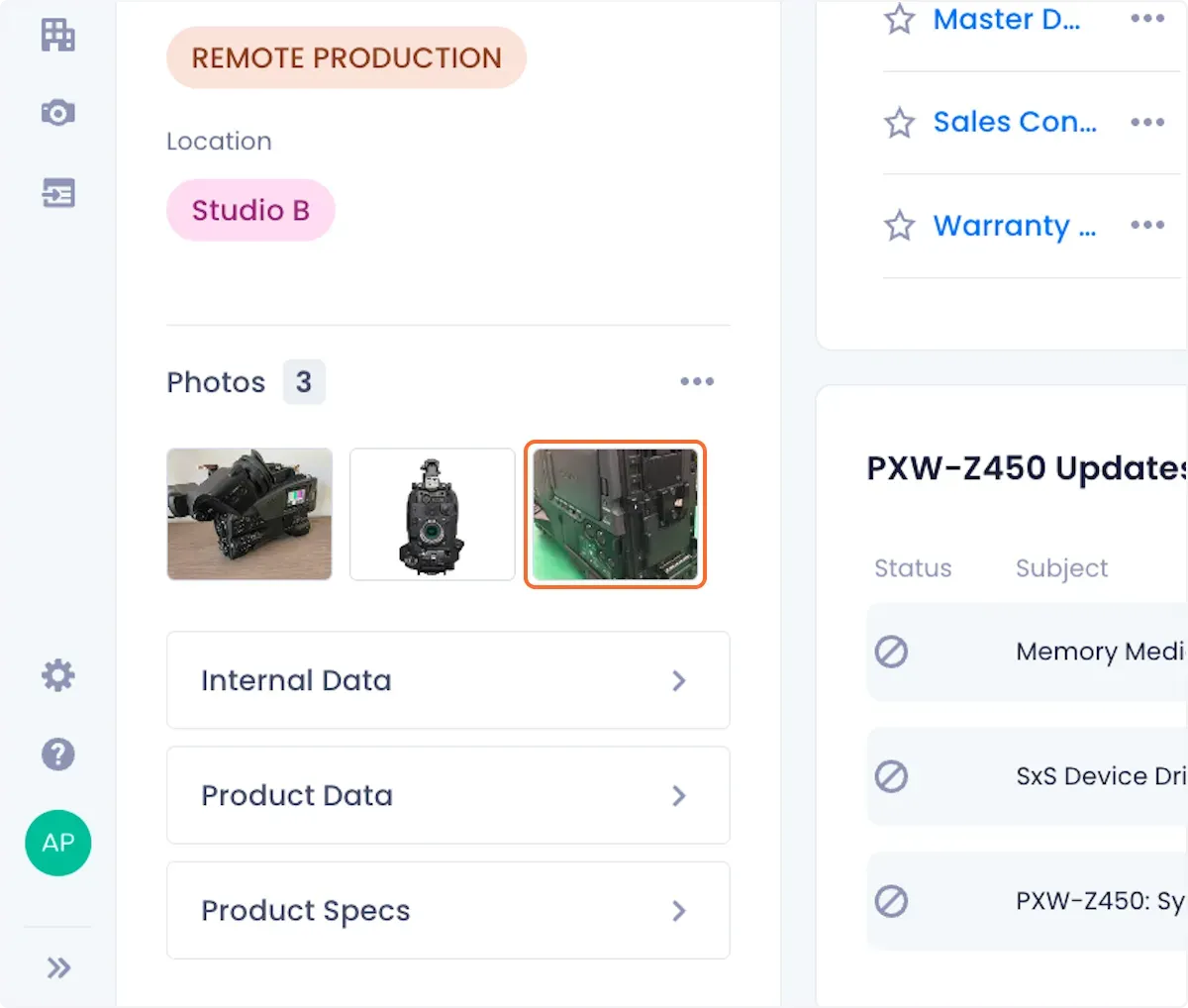
1. Click on the image that you want to delete.
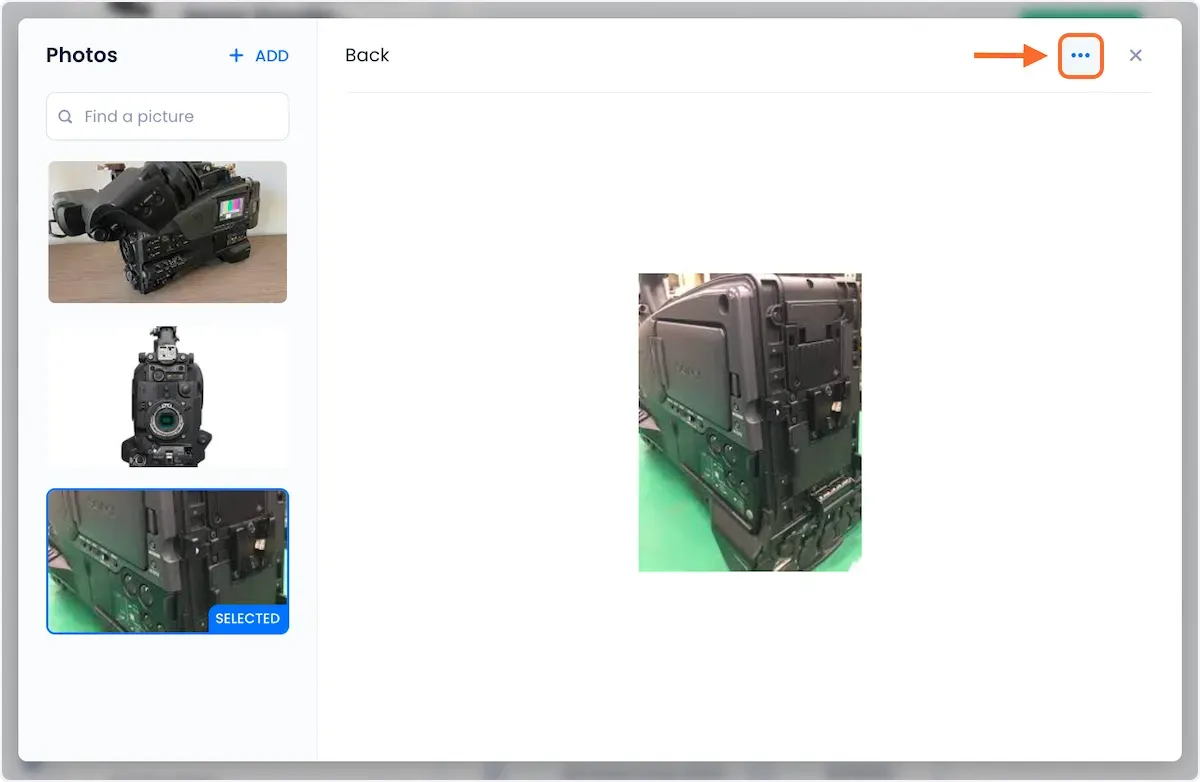
2. Open the overflow menu in the top right of the ensuing modal.
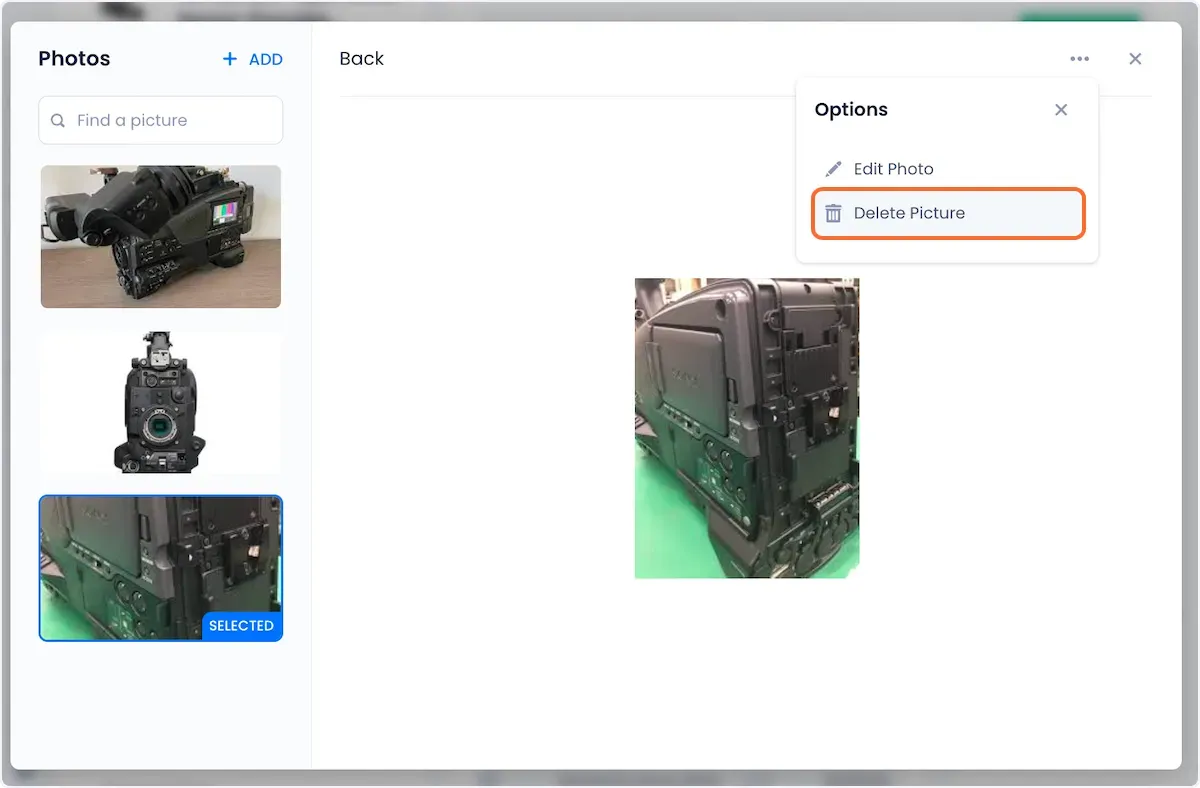
3. Click on Delete Picture from the dropdown menu.
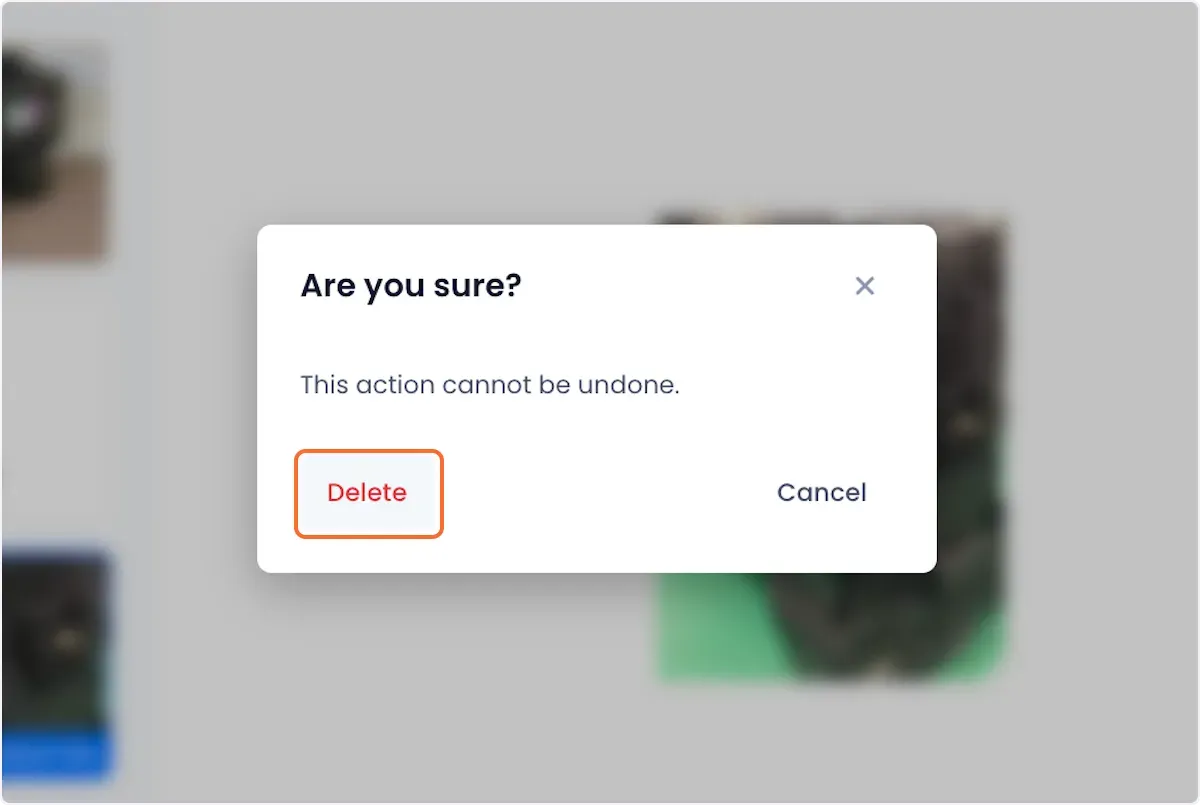
4. Confirm the deletion by clicking Delete again.
Was this helpful?
Still need help? Ask the team