Exporting Reservations Data
Reservations data is useful for reporting and analysis. This is why we allow you to export data to excel. In this tutorial we'll show you how to export reservations data to excel.
Written By Francisco
Last updated 10 days ago
1. Before exporting your data, ensure that you have filtered the data to only show the data that you want to export.
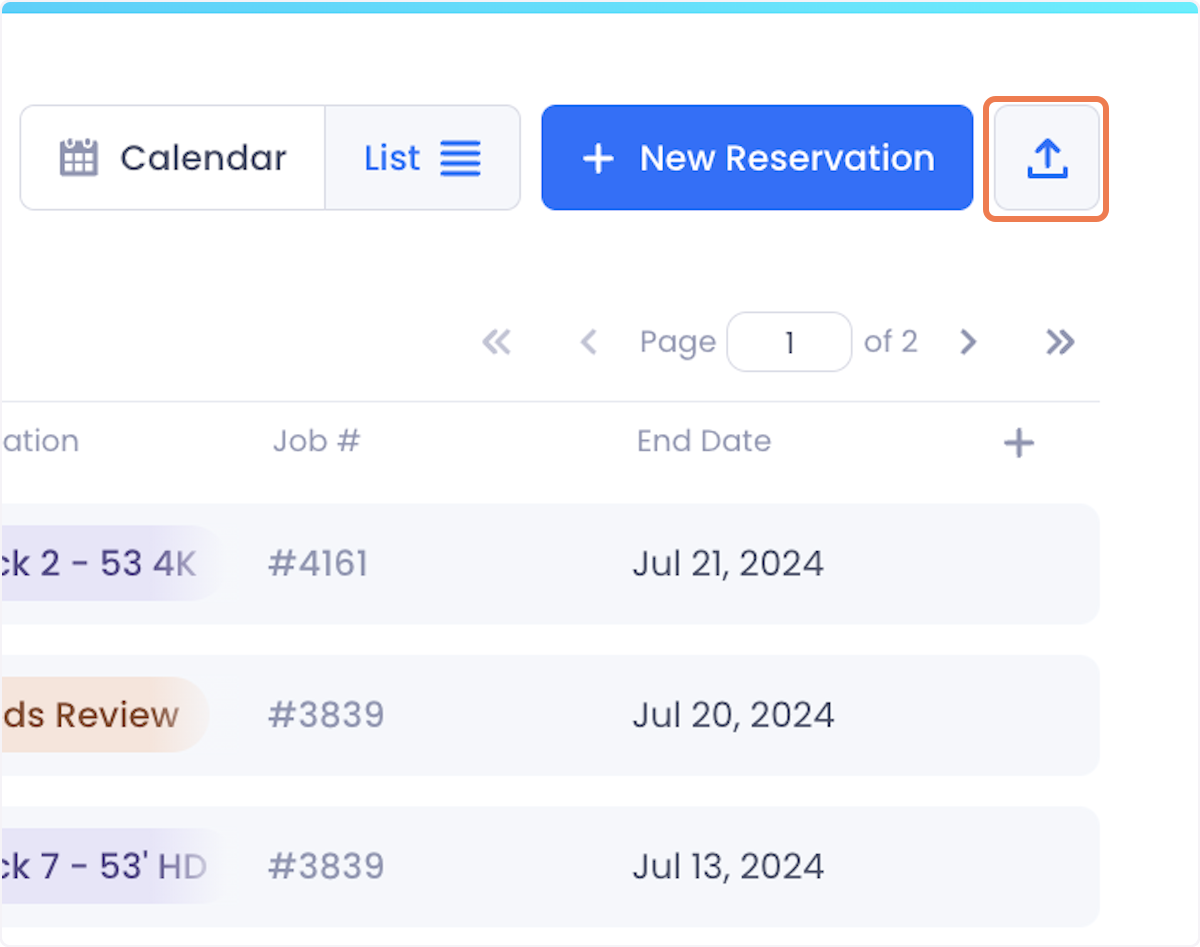
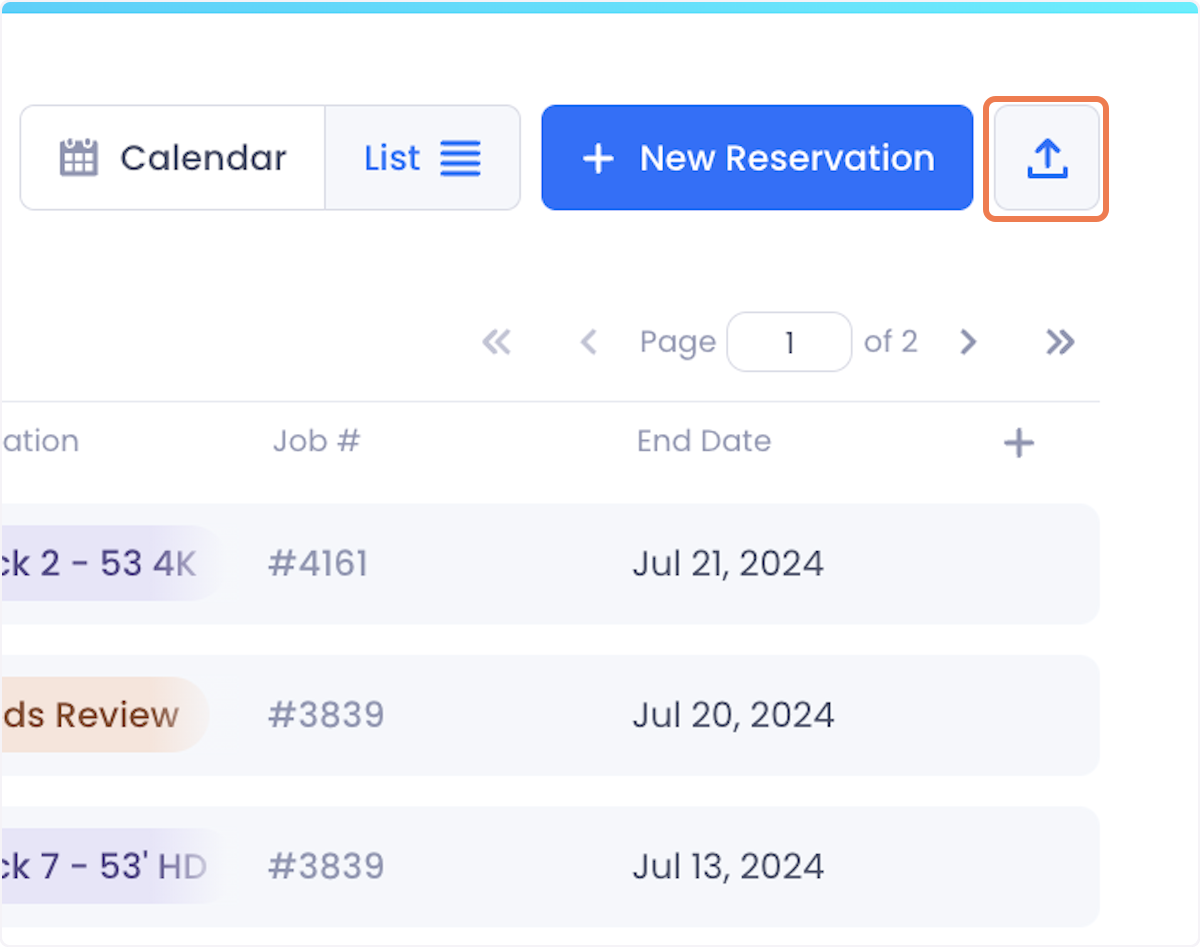
2. Once your data is filtered, click on the export button at the top right of the screen.
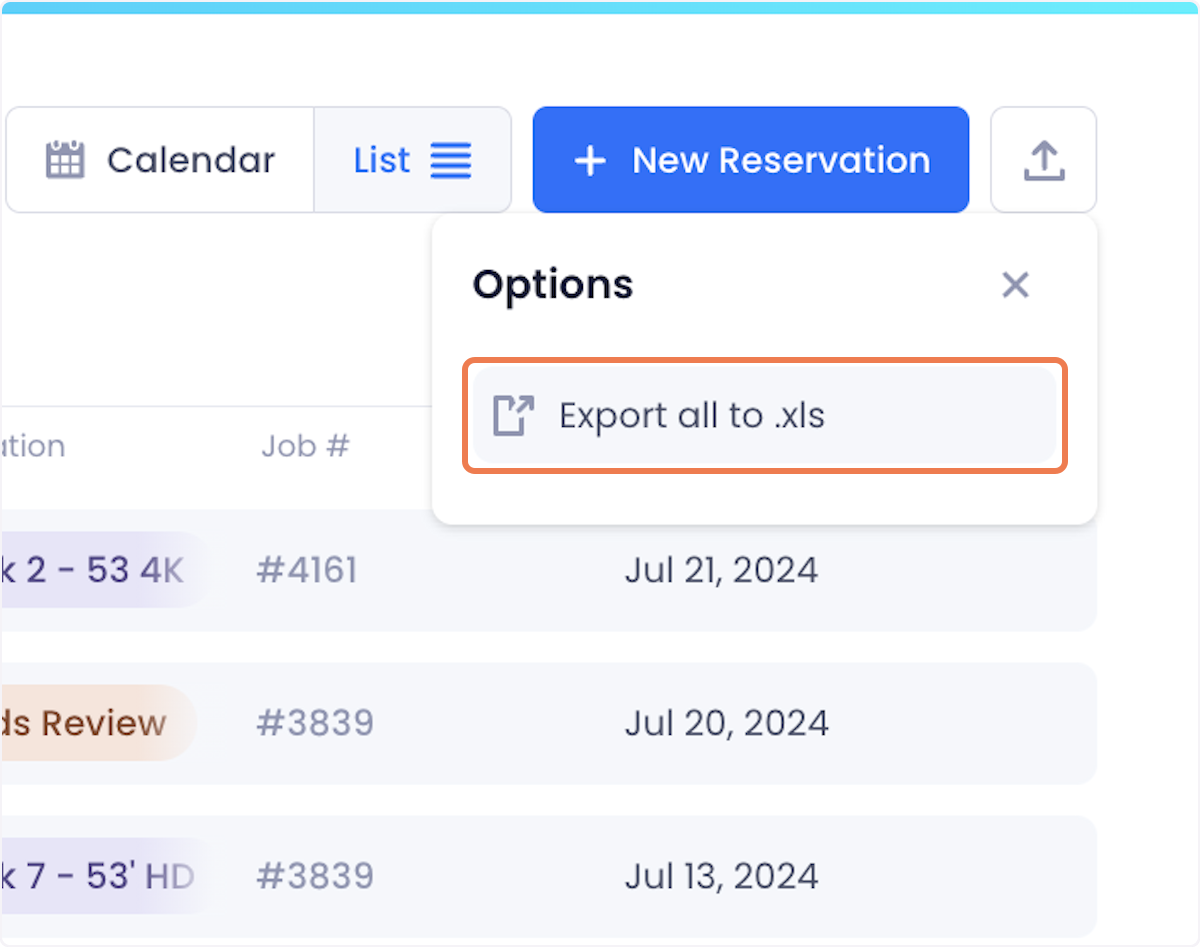
3. Click on Export all to .xls from the dropdown.
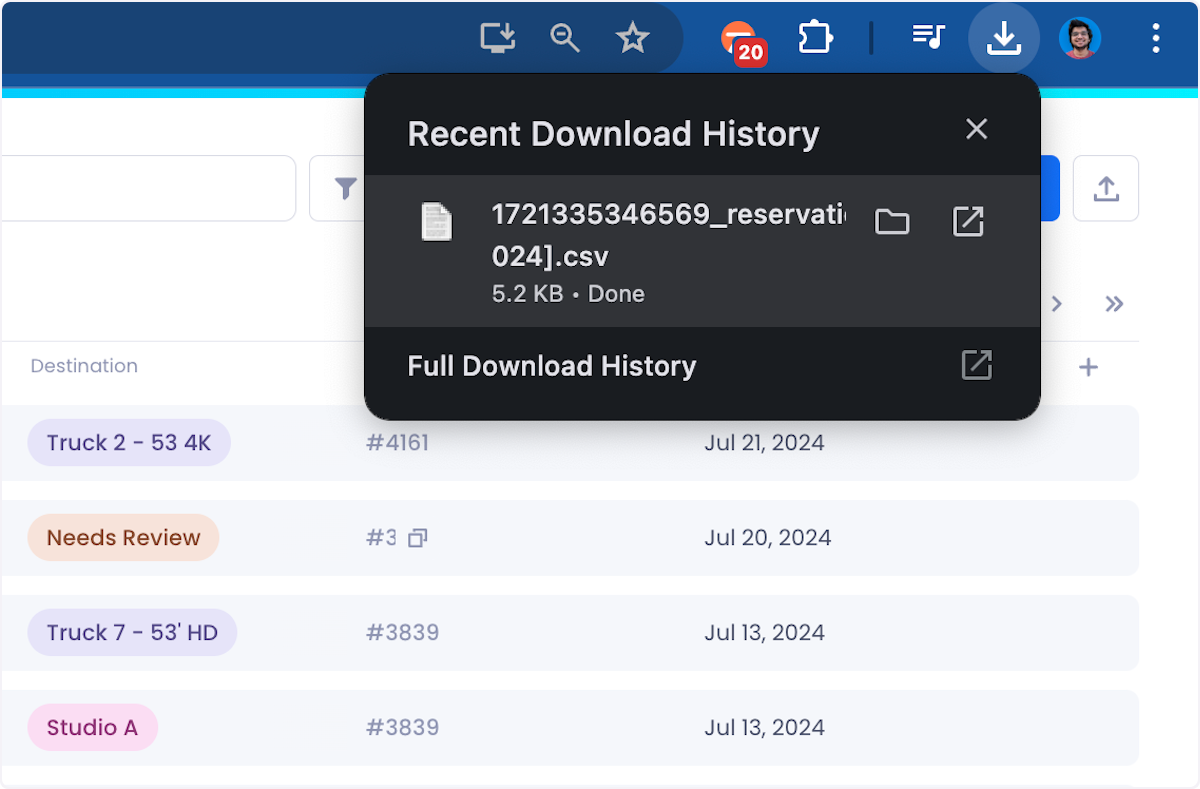
4. Your data will be downloaded to your local drive.
Was this helpful?
Still need help? Ask the team